



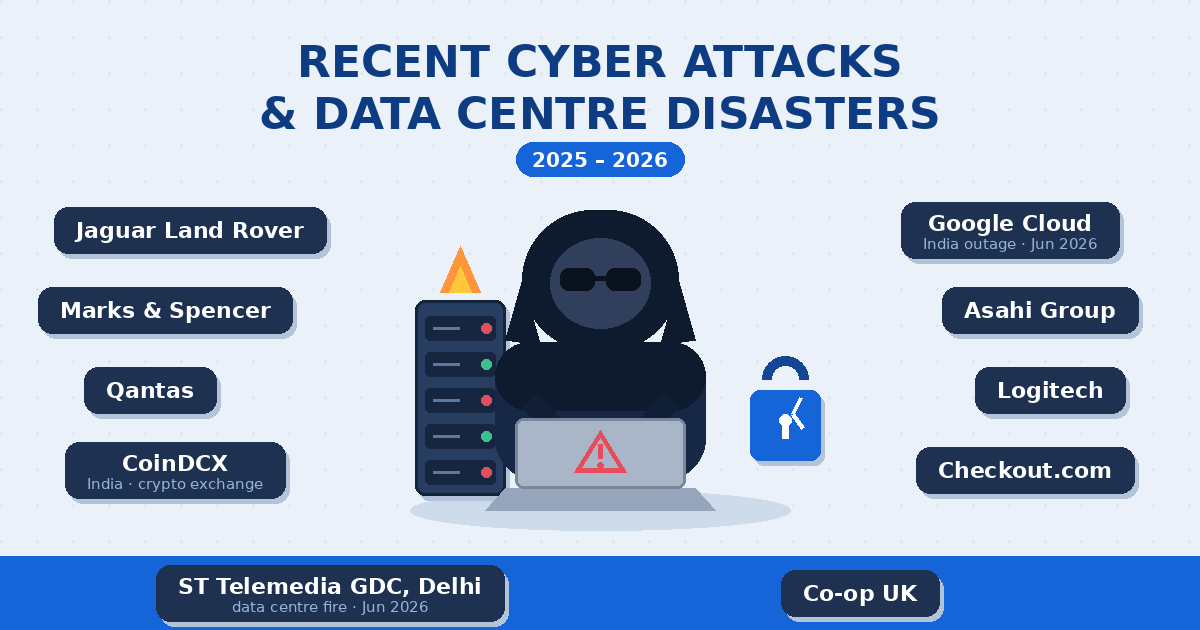
In the same week of June 2026, a fire in one Delhi building slowed down Google and Netflix across India — while ransomware attacks worldwide hit their highest growth rate of the year. Two very different disasters, one identical lesson: if your business website lives in only one place, it isn’t safe.
INCIDENT DETECTED
02:14 AM — SERVER UNREACHABLE
RESPONSE TIME
FIG.01 — THE MOMENT MOST BUSINESSES DISCOVER THEY NEVER SET UP A BACKUP
Most small business owners think website disasters happen to “big companies.” The data says otherwise. Attackers automate everything now — bots don’t check whether you’re a Fortune 500 or a boutique in Jaipur before scanning your site for weak passwords and outdated plugins. And physical infrastructure failures, as India just witnessed, take down everyone sharing the building. Here’s what’s actually happening in 2026, and exactly how to protect your website.
Organizations now face an average of over 2,000 cyber attacks per week, and the average cost of a data breach has climbed to about $4.88 million (IBM). For a small business, even a fraction of that is fatal.
When one building burned, half of India’s internet slowed down
On June 5, 2026, a fire broke out at a data centre facility in Greater Kailash, Delhi. No lives were lost — but the damage tells you everything about digital fragility:
- Hundreds of crores in equipment, data, and revenue losses, by industry estimates.
- Server racks belonging to Google, Netflix caching partners, and dozens of local internet providers were damaged; one small ISP alone lost ₹2 crore of hardware.
- The emergency power shutdown degraded Google Cloud connectivity across Delhi, Mumbai, and Chennai, causing latency and packet loss for businesses nowhere near the fire.
Here’s the part that matters for you: companies with multi-location redundancy and offsite backups rerouted traffic and recovered within hours. Companies whose data lived only in that building are still counting their losses.
Ransomware is growing faster in 2026 than ever before
Ransomware — where attackers encrypt your files and demand payment to unlock them — surged 48% year-over-year in May 2026, its fastest growth this year, with over 60 active criminal groups operating like franchised businesses. Small companies are favourite targets precisely because they rarely have backups: when your only copy of the data is encrypted, you either pay or start from zero.
Your defence: backups that ransomware can’t reach (offsite/cloud, not just on the same server), plus updated software so the attackers can’t get in at all.
DDoS attacks jumped 168% — and bots don’t care how small you are
Distributed Denial of Service attacks flood a website with fake traffic until it crashes. They grew 168% year-over-year per Radware’s 2026 report, with attack volumes reaching nearly 30 terabits per second. Competitor sabotage, extortion (“pay us or stay offline”), and ideological attacks all use the same tool — and rented botnets make it cheap enough to aim at small businesses.
Your defence: a CDN/firewall layer like Cloudflare (the free tier alone absorbs most small-scale attacks) in front of your website.
AI has made scam emails indistinguishable from real ones
Attacks by AI-enabled adversaries rose 89% — and the fastest recorded breach took just 27 seconds from first access to spreading inside systems (CrowdStrike 2026). For a small business, this usually looks like a perfectly written email “from your hosting company” asking you to log in, or “from a client” with an invoice attachment. One stolen admin password is all it takes to deface or hijack your website.
Your defence: two-factor authentication on your hosting, domain, and WordPress logins — it stops stolen passwords from working — and a rule that nobody clicks login links from emails.
The quiet killer: outdated plugins and themes
Over 40% of the world’s websites run on WordPress, which makes vulnerable plugins the single most exploited doorway for small-business sites. Bots scan millions of sites a day for known plugin flaws — a contact form plugin you installed in 2023 and forgot about can be tonight’s entry point. Most “hacked website” cases we see in Jaipur trace back to exactly this.
Your defence: monthly updates of WordPress core, themes, and plugins; deleting plugins you don’t use; and a malware scanner (Wordfence or similar) watching the rest.
Fires, floods, and power failures: the threats no firewall stops
The Delhi fire is the freshest example, but it isn’t the first — data centres worldwide have been taken out by fires, flooding, grid failures, and even construction accidents cutting fibre lines. Cheap shared hosting typically means your website, its database, and its “backup” all live on the same physical machine. If that machine dies, all three die together.
Your defence: the 3-2-1 backup rule — explained in the action plan below — and knowing where your hosting provider physically keeps your data.
Is your website safe? Answer these 6 questions honestly
- If your server vanished tonight, could you restore your website tomorrow?If you’re not sure, the answer is no.
- When did you last actually test a backup by restoring it?An untested backup is a hope, not a plan.
- Is your backup stored somewhere other than your hosting server?Same-server backups burned in Delhi too.
- Do your hosting and WordPress logins have two-factor authentication?
- Are your WordPress core, theme, and all plugins updated this month?
- Would you know within minutes if your site went down — or would a customer tell you?
Four or more “no” answers means your website is one bad night away from disappearing. Here’s how to fix that, in order:
The 7-step protection plan for your business website
Follow the 3-2-1 backup rule
Keep 3 copies of your website and data, on 2 different types of storage, with 1 copy offsite (cloud storage like Google Drive, Dropbox, or Amazon S3 — anywhere that isn’t your web server). Plugins like UpdraftPlus automate this for WordPress in under an hour.
Automate backups daily, test monthly
Set daily automatic backups for the database and weekly for files. Once a month, restore one backup to a staging copy to prove it actually works.
Update everything monthly
WordPress core, theme, plugins. Remove plugins you no longer use — every inactive plugin is an unguarded door.
Turn on two-factor authentication
On your hosting panel, domain registrar, email, and WordPress admin. This single free step blocks the most common way small-business sites get hijacked.
Put a firewall/CDN in front of your site
Cloudflare’s free plan adds DDoS protection, a web application firewall, and faster loading worldwide. SSL (https) is mandatory, not optional.
Set up uptime monitoring
Free tools like UptimeRobot alert you within minutes if your site goes down — so you find out before your customers do.
Write a one-page disaster recovery plan
Where the backups are, who has the passwords, which hosting support number to call, and the order of steps to restore. In a real incident, this page saves you a day of panic.
Frequently asked questions
My hosting company says they take backups. Isn’t that enough?
No. Host backups are often stored in the same facility as your site, kept for only a few days, and not guaranteed in the fine print. The Delhi incident is the textbook case: if the building fails, the host’s backup can fail with it. Always keep your own offsite copy.
How much does it cost to protect a small business website?
Less than most owners expect. A capable setup — offsite backup tool, Cloudflare free tier, 2FA, uptime monitoring — costs roughly ₹0–₹5,000 per year in tools. A managed website maintenance plan that handles all of it typically costs a few thousand rupees a month — far less than rebuilding a hacked or lost site from scratch.
I have a small local business. Why would anyone attack my website?
Because nobody chooses you — bots do. Automated scanners probe millions of sites daily for outdated plugins and weak passwords, and infected small sites are reused to send spam, host malware, or mine crypto. You’re not the target; you’re the low-hanging fruit.
What should I do first, today?
Take one full backup of your website and database right now and download it off the server. That single action moves you out of the highest-risk category. Then work through the 7 steps above over the next two weeks.
Get your website’s safety checked — free
Designer Experty builds, secures, and maintains business websites from Jaipur. We’ll audit your site’s backups, updates, SSL, and recovery readiness, and give you a plain-language report of what’s at risk — no jargon, no obligation.
Request a free website safety audit →
CALL +91 82335 96438 · SUPPORT@DESIGNEREXPERTY.COM · MALVIYA NAGAR, JAIPUR
Kavya Sinha
June 11, 2026We also suffered from this attack